
Try Issuance and Verification Services
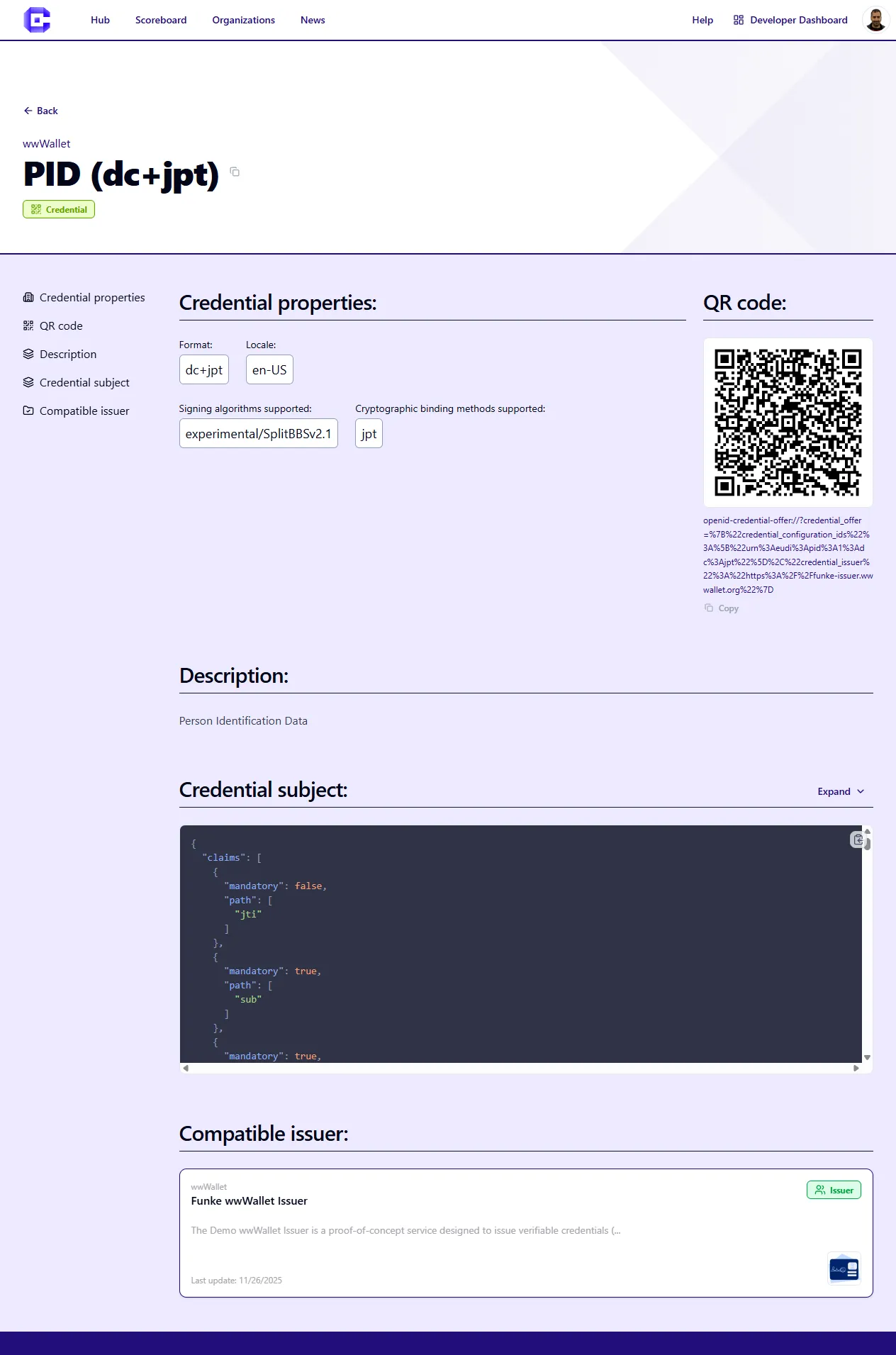
When a solution developer has added a StepCI integration, Credimi can expose a live issuance or verification flow directly on the Hub page.
Typical user flow:
- open the credential page
- scan the QR code with a Wallet, or open the deeplink on the phone
- continue the issuance flow in the Wallet
Try a credential issuance flow
Section titled “Try a credential issuance flow”Open a credential page and look for the generated QR code or deeplink.
Try from mobile
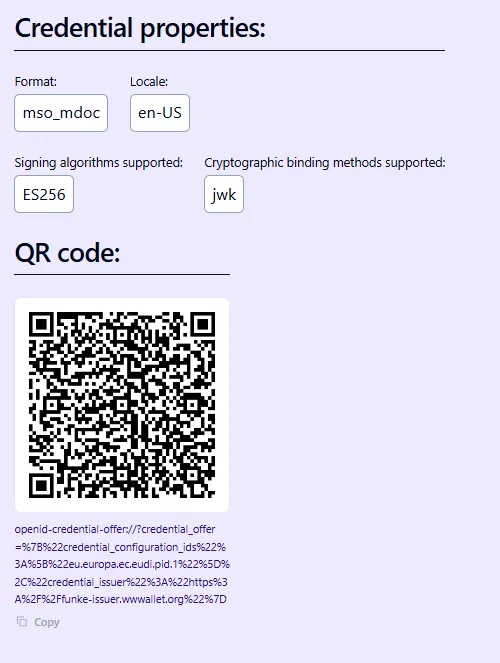
Section titled “Try from mobile”You can browse the Hub and open a Credential or Use Case Verification straight from your mobile phone. You can click on the deeplink or click on QR code to open your EUDI Wallet:
Try a verification flow
Section titled “Try a verification flow”Verification pages follow the same general pattern, but the output is a presentation request instead of a credential offer.
What powers these flows
Section titled “What powers these flows”The QR code and deeplink shown on the Hub are generated by a StepCI recipe configured by the solution developer.