
Credimi Manual
Credimi has four main user-facing areas:
- Hub — anyone can explore components and solutions and try issuance or verification services.
- Conformance & Interop — logged-in users can run conformance checks and test how Wallets, Issuers and Verifiers work together.
- Publish to Hub — solution developers can list Wallets, Issuers and Verifiers, then integrate issuers and verifiers with StepCI so visitors can try them from credimi.io.
- Testing Automation — after StepCI and Maestro assets are in place, the same flows can be automated with pipelines.
Use the sections below depending on what you want to do.
For users who want to browse the ecosystem and manually try flows.
- Explore listed Wallets, Issuers, Verifiers and credentials
- Open a credential or verification page and try the exposed service
- Reuse Hub integrations later in manual tests and pipelines
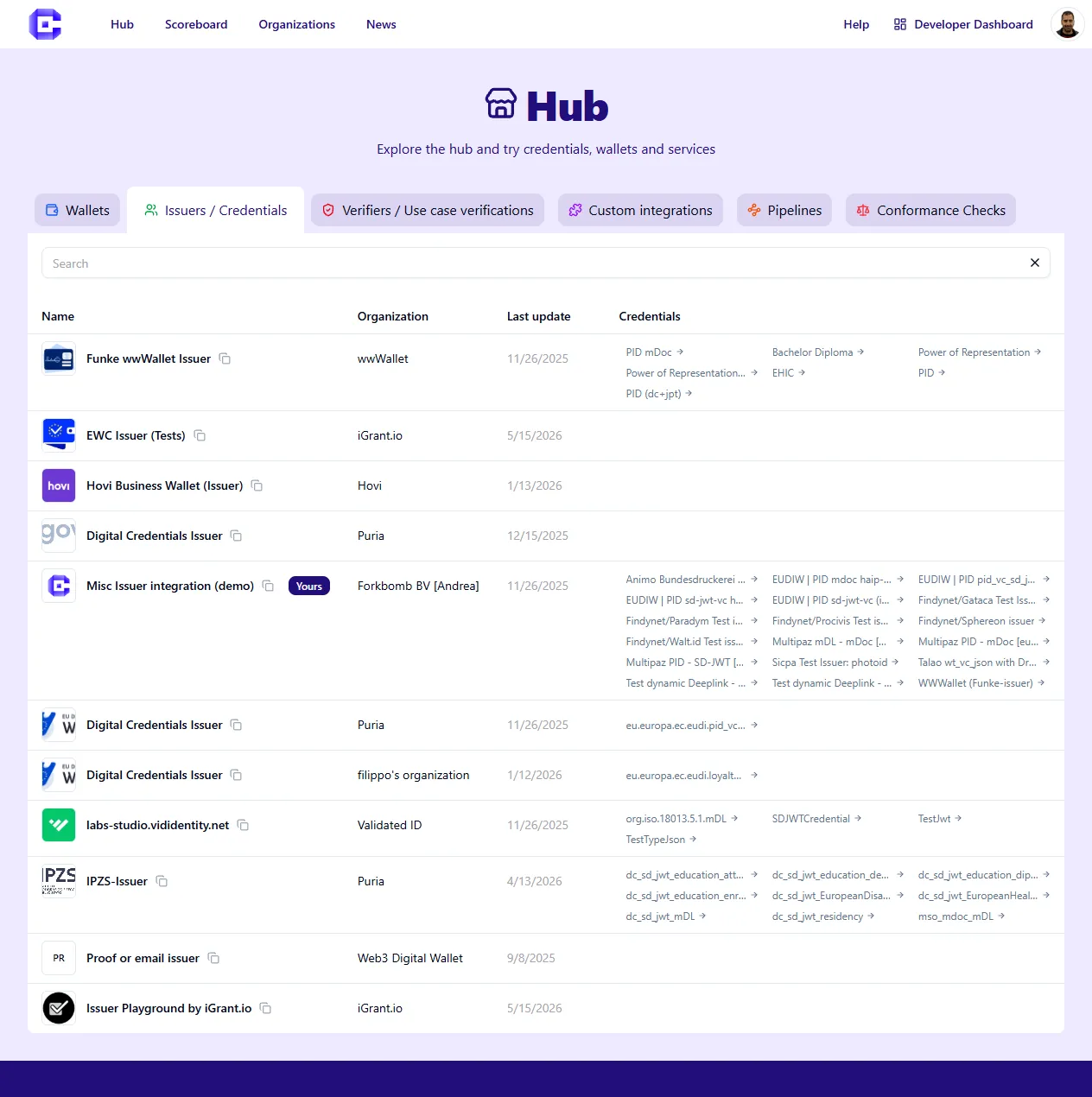 Hub listing of issuers and credentials
Conformance & Interop
Section titled “Conformance & Interop”For logged-in users who want to test solutions.
- Start conformance checks from the web GUI
- Compare conformance suites and results
- Try interoperability flows with third-party Issuers and Verifiers
Publish to Hub
Section titled “Publish to Hub”For solution developers who want to expose their solution on Credimi.
- Create an account and organization
- Add metadata, links and images for Wallets, Issuers and Verifiers
- Add StepCI integrations per credential or verification flow
Testing Automation
Section titled “Testing Automation”For developers and operators who want end-to-end automation.
- Create Maestro actions for Wallet behavior
- Create pipelines that chain Maestro and StepCI
- Execute pipelines on a device, emulator or simulator
- Inspect timeline, logs and artifacts after execution
Drafting note: this revamped manual intentionally reuses material from the previous flat Manual pages. Some sections below are still placeholders for follow-up detail.