
API Keys
Configure API Keys
Section titled “Configure API Keys”API Keys are used to authenticate your runner with Credimi and to enable:
- pipeline execution
- scheduled runs
- CI/CD integrations
You can manage API keys from your profile:
Settings → API Keys
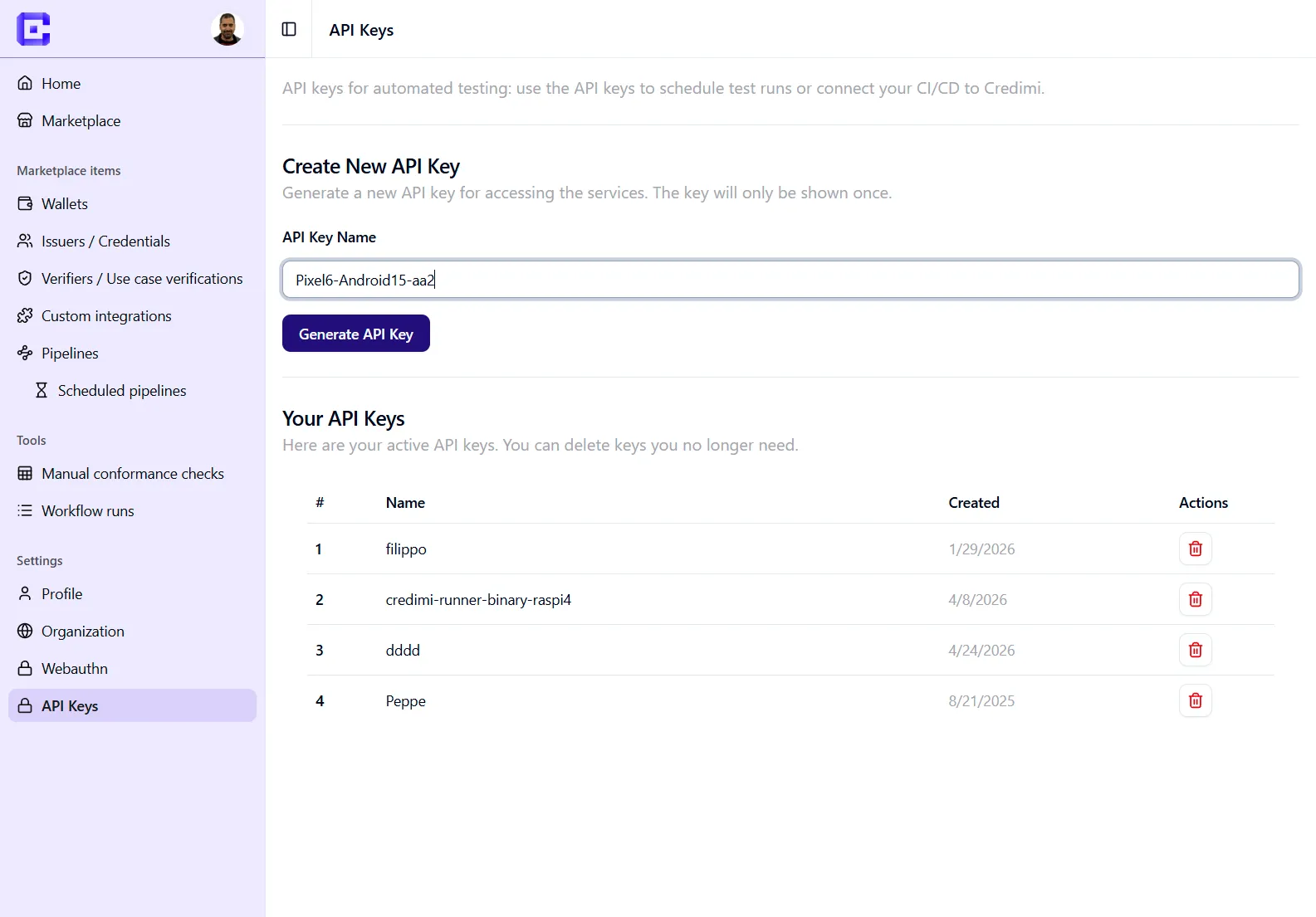
Create a new API Key
Section titled “Create a new API Key”- Navigate to API Keys
- Enter a name (e.g. your device or runner name)
- Click Generate API Key
[!TIP] Use a descriptive name (e.g.
raspi5-runner-1,pixel6-local) to identify which runner is using the key.
Important notes
Section titled “Important notes”- The API key is shown only once when created
- Store it securely (you will need it in the runner setup)
- If lost, you must generate a new one
Using the API Key
Section titled “Using the API Key”During the credimi-runner setup, you will be asked to provide:
- your API Key
- your Credimi endpoint
The runner will then:
- register itself in Credimi
- authenticate all communications
- receive pipeline execution requests
Managing API Keys
Section titled “Managing API Keys”From the API Keys page you can:
- view existing keys
- delete keys you no longer need
[!IMPORTANT] Deleting a key immediately disconnects any runner using it.
Best practices
Section titled “Best practices”- Use one API key per runner
- Do not reuse keys across environments (dev / staging / prod)
- Rotate keys periodically if used in CI/CD