
🚀 Publish on the Hub
Any registered user can publish Products and Services (Wallets, Issuers, Verifiers) on the Hub.
To publish a product or service, an organization must be configured first. After that, you can create or import products and services through different paths.
Create an organization
Section titled “Create an organization”When you sign up as a new user, an empty organization is also created. This organization can be edited in the Developer Dashboard.
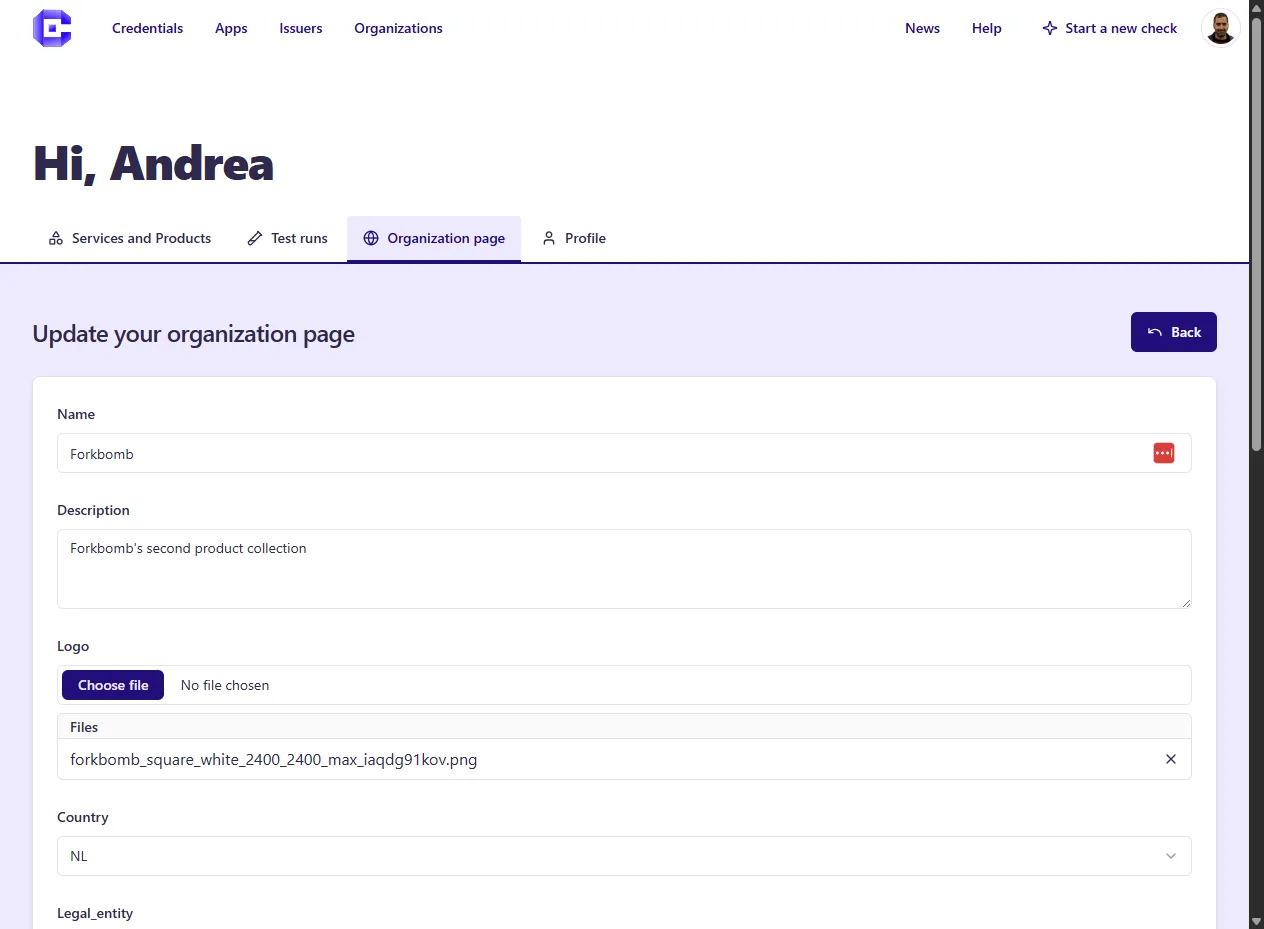
Add a Product/Service
Section titled “Add a Product/Service”There are different paths to create products (typically mobile Wallets) and services (typically credential issuance and verification):
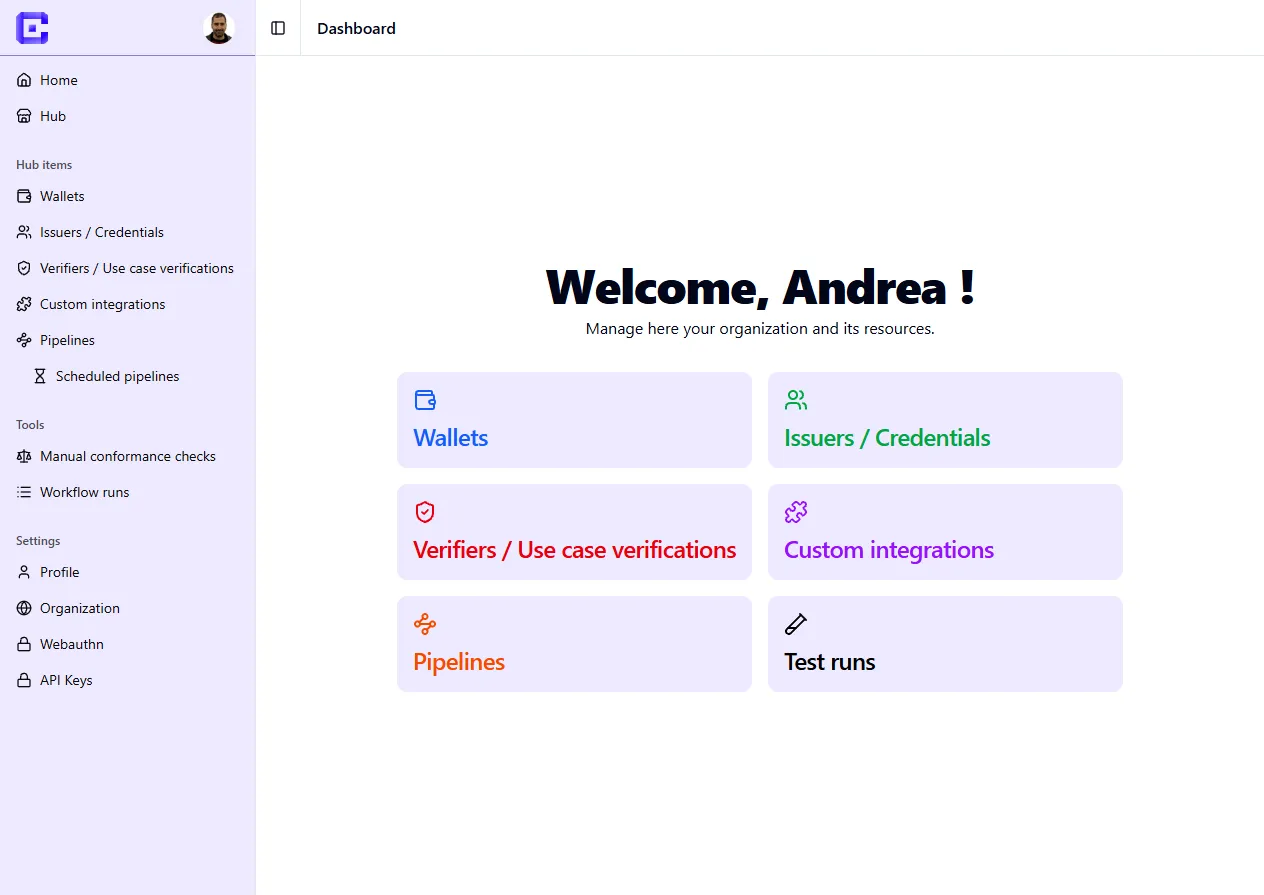
Add a Wallet
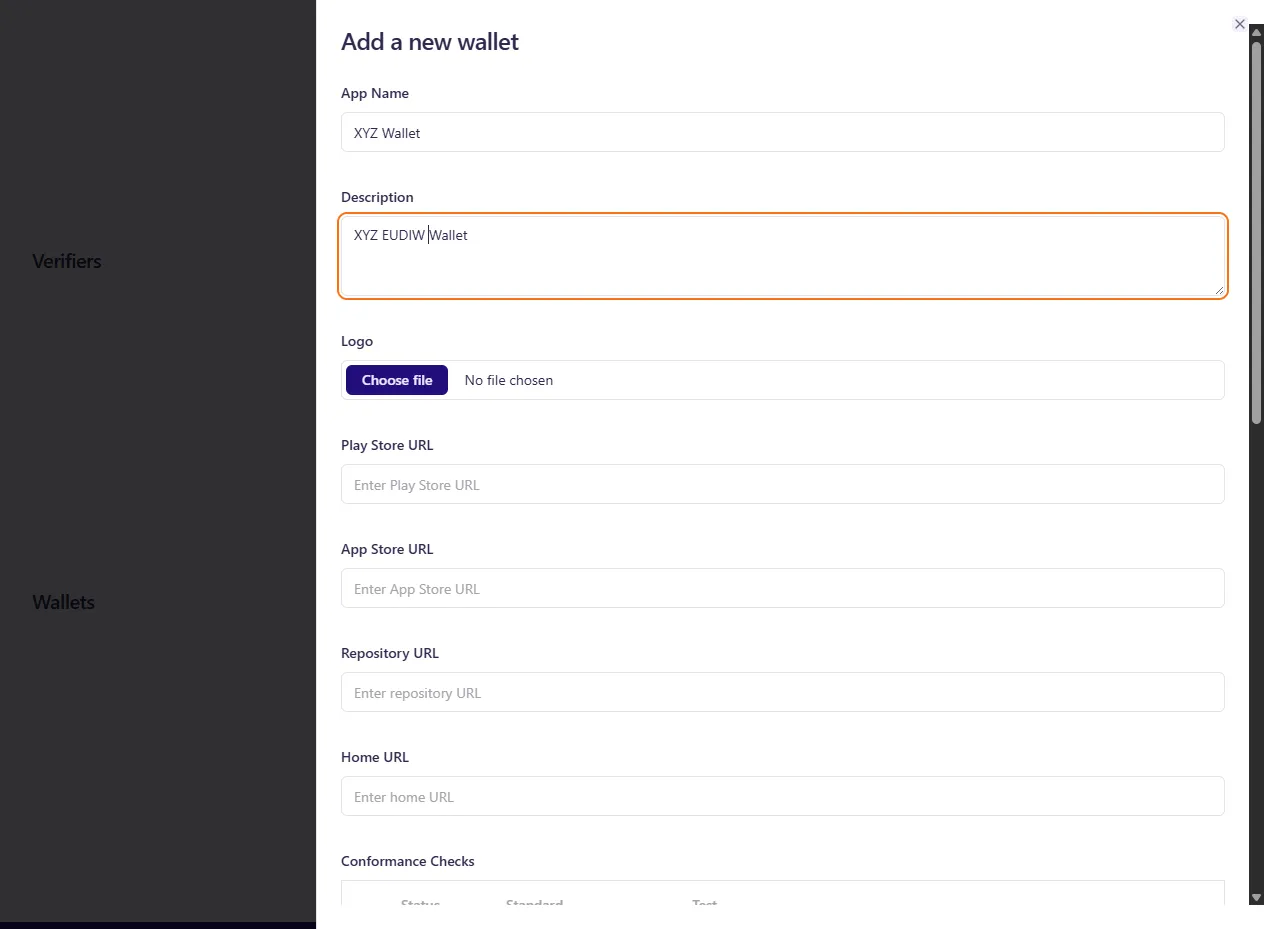
Section titled “Add a Wallet”- Products (Wallets): click on Add Wallet and fill in all fields. A product is created from scratch and can be edited later. It mainly contains metadata such as name, description, logo, and links.
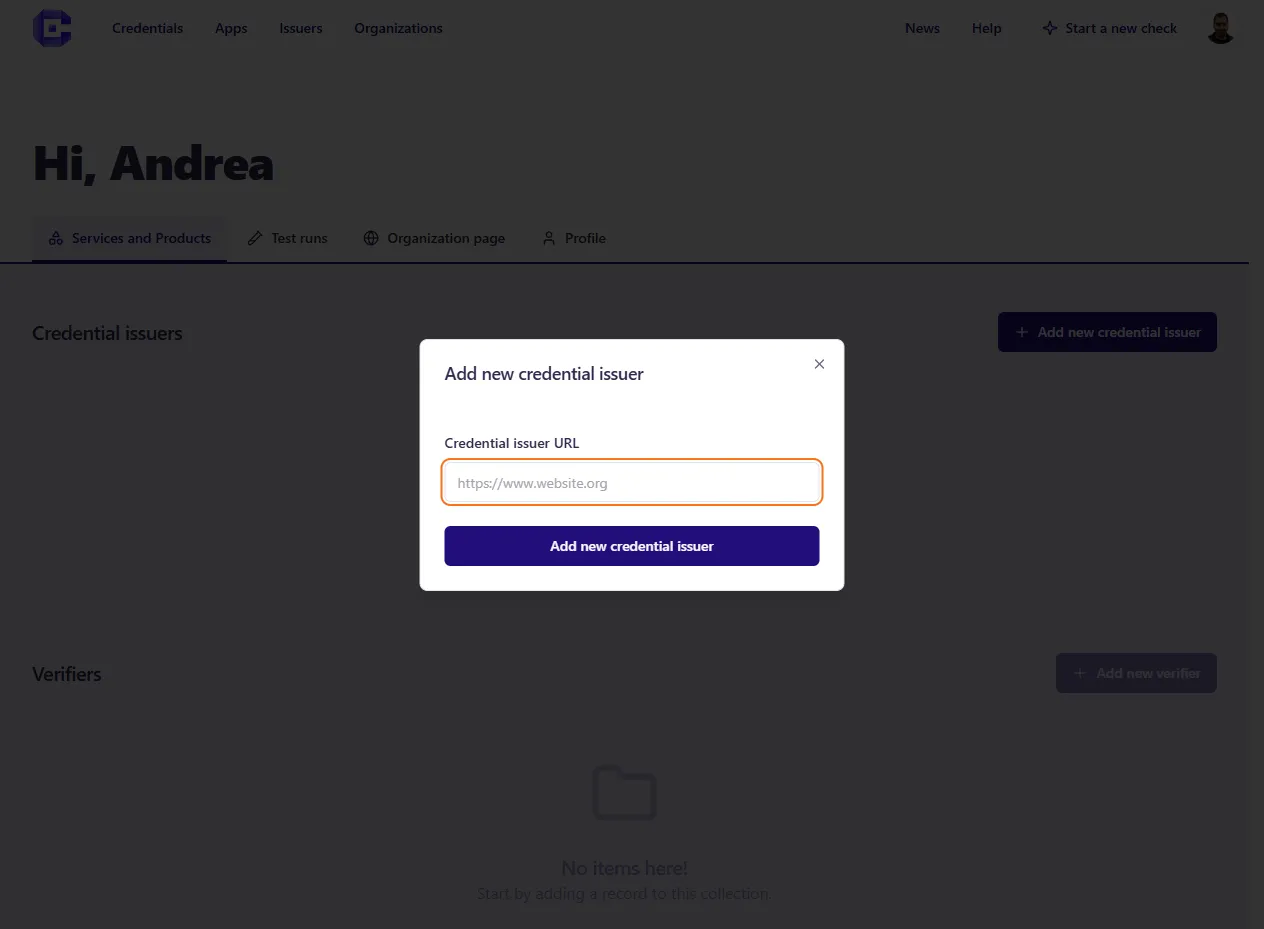
Add a Credential (…add a Credential Issuer first!)
Section titled “Add a Credential (…add a Credential Issuer first!)”- Credential issuance: to add a credential issuance service, first set up an Issuer. Start by clicking Add a Credential Issuer. After entering an Issuer URL, the credentials offered by that Issuer should be automatically created and populated.
After that, each credential gets a deeplink with a corresponding auto-generated QR code. You can still modify it manually. This allows visitors to test the credential issuance flow with their Wallets.
Add a Verifier
Section titled “Add a Verifier”- Credential Verification: (coming soon)