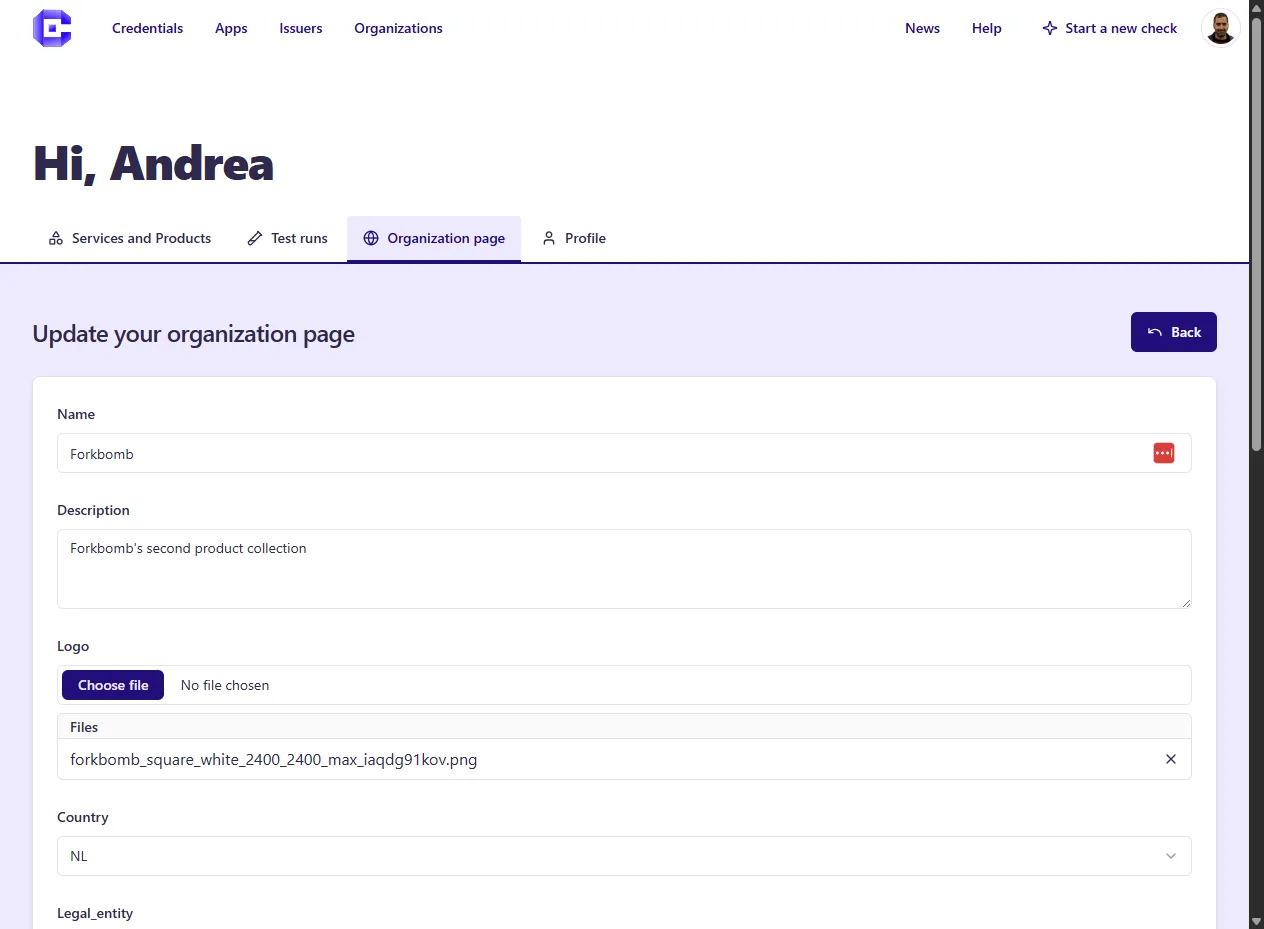
👤 Create Account, Developer Dashboard
All the testing and Hub publishing features, require the creation of a User Account.
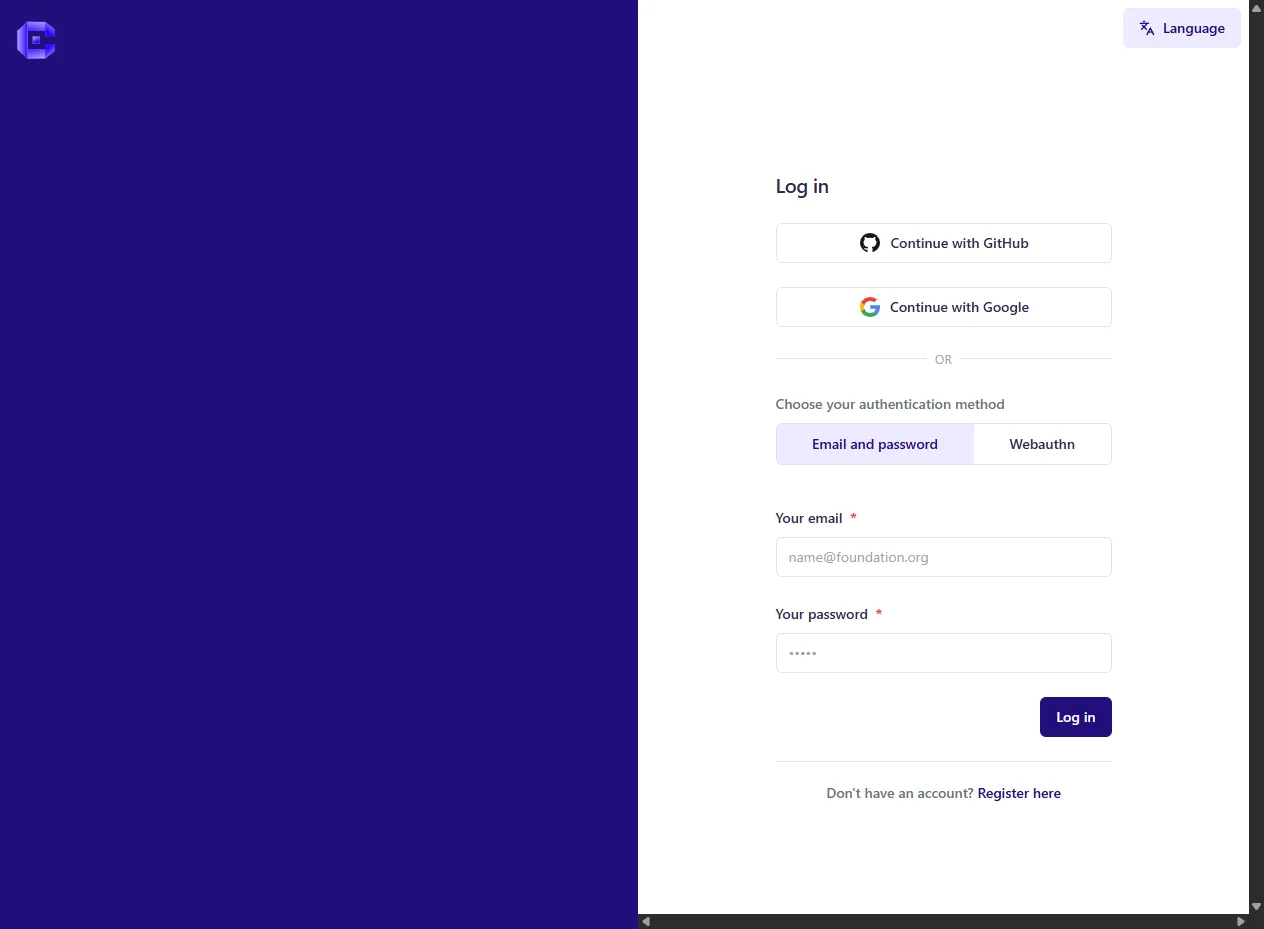
Create Account
Section titled “Create Account”You can create a User Account by clicking on Login in the top right of the Home
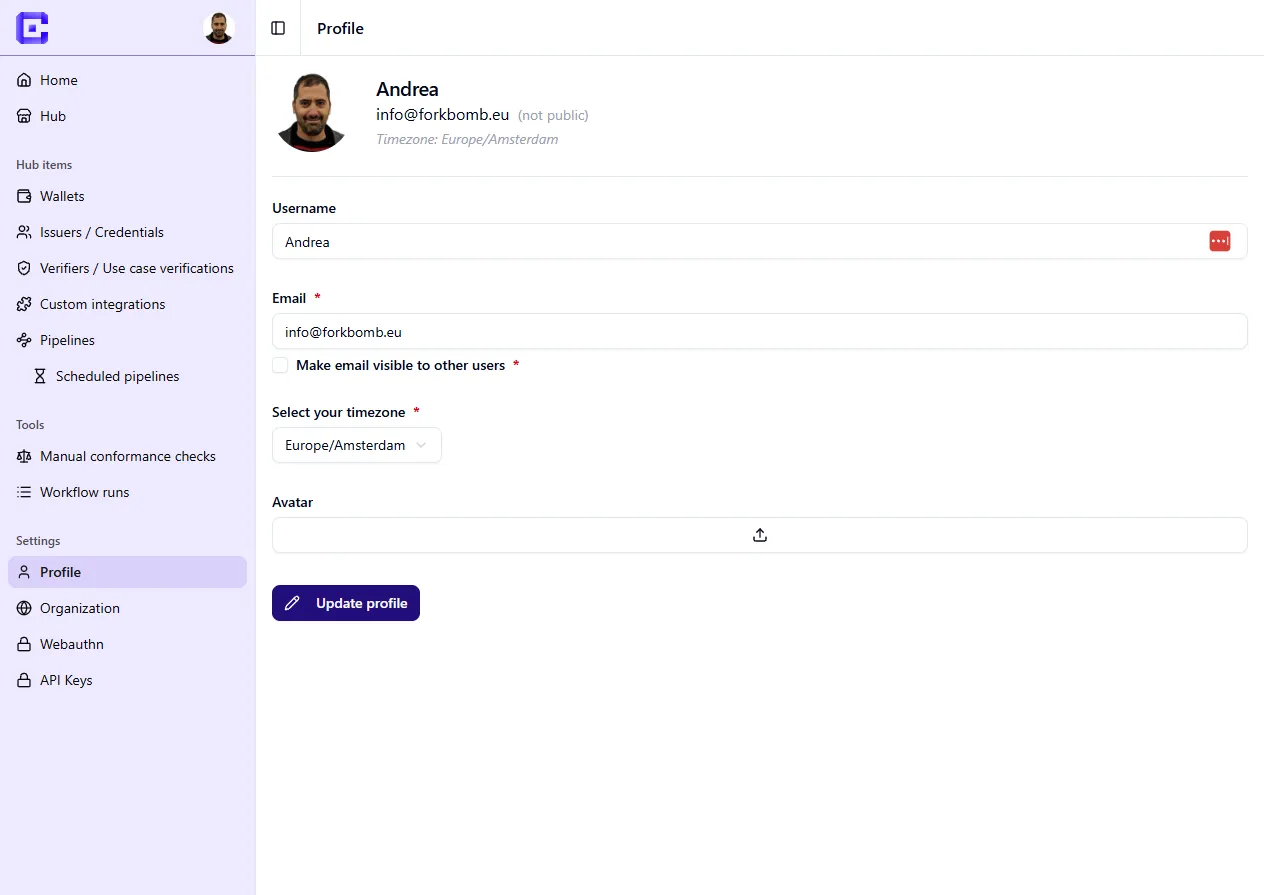
Editing Profile
Section titled “Editing Profile”Once you have created an Account, a button on top right will appear, from there you can access and edit the Profile page
Developer Dashboard
Section titled “Developer Dashboard”Once you have created an Account, a button on top right will appear, from there you can access the Dashboard, there you can:
- Start a Compliance Check, click on Start a new check
- View the History of your Checks: you can access your current past checks, that have been started via Web-GUI or via REST-API along with the reports.
- Edit your Organization: you will need this to publish your product and services on the Hub
- Edit your Products and Services: here you can edit your Apps, Issuers and Verifiers that you want to publish on the Hub